Byte pairs
Digram
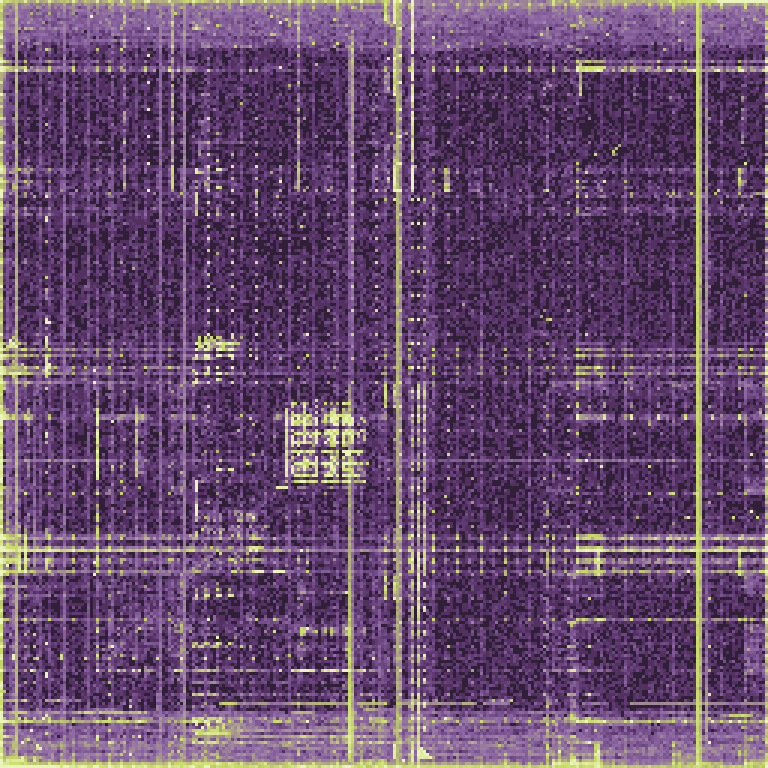
Every pair of neighbouring bytes becomes one point on a 256 x 256 grid. Code, text and padding each light up their own regions.
Explore this viewA field guide to binary data
Visual guides, browser tools and 19 CTF writeups for reading raw bytes, hex dumps and file formats.
Visual guides Browser tools 19 CTF writeups
01
A firmware dump, a disk image, a capture or a challenge file. Under the name, it is all bytes.
02
A hex view shows exact values and offsets, and often the first clue: a magic number in the header.
03
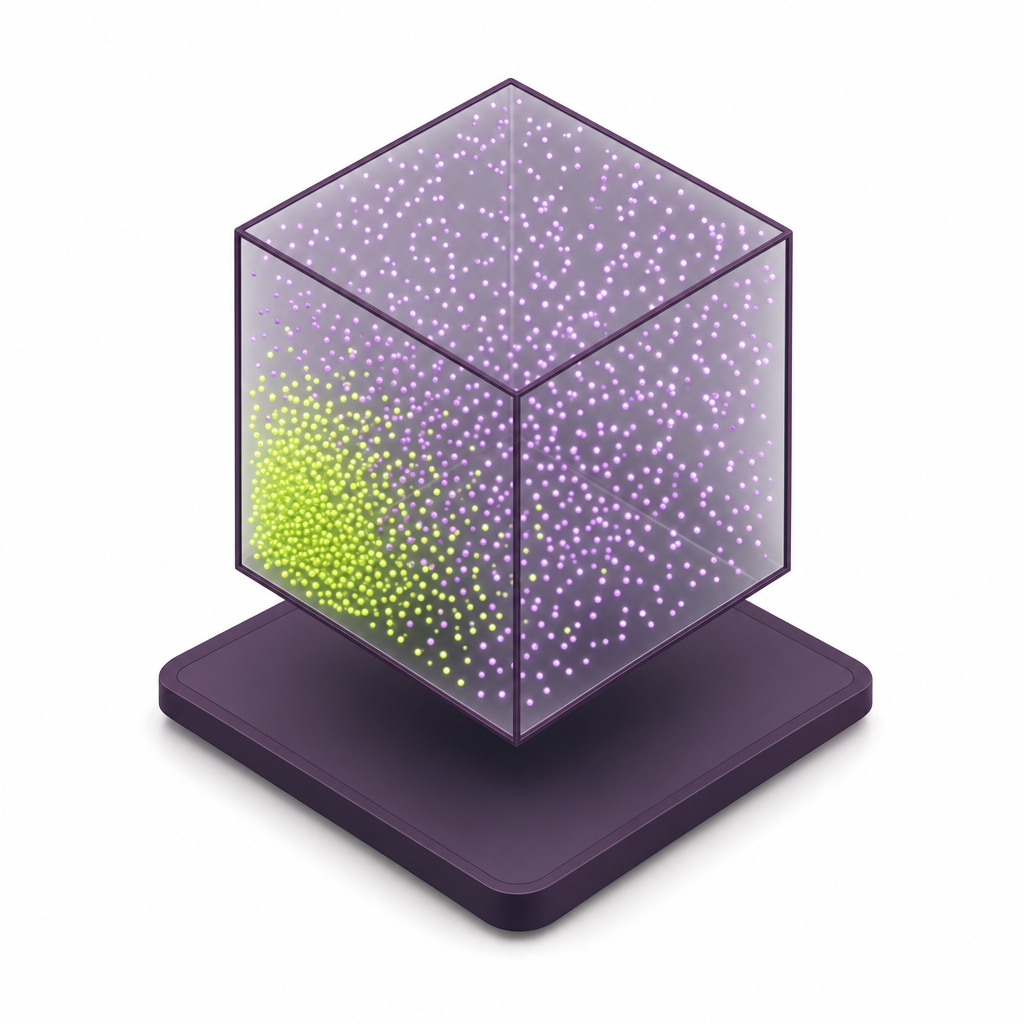
Digrams and trigrams show the shape of megabytes at once. Code, text and random data look different.

04
Picture, headers and statistics together turn an unknown blob into a format you can parse.
Byte Lens reads any file in your browser, recognises 13 formats and shows the bytes in four views. Nothing is uploaded.
Every point is three consecutive bytes used as x, y and z. Drag to turn the cube.
Structured / codeText-likeHigh entropy
New to bits and bytes? The Byte Stepper slows the basics down: a number becoming bits, text becoming UTF-8, a header naming its format and entropy adding up, one step at a time.
Open the Byte StepperThe 1.38 MB bash shell as an entropy curve. Every section of an executable has its own signature, and you can see where one ends and the next begins.
Header, symbols and relocationsSymbols
199 KB · 14% · 3.3 bits
Names of every function bash imports or exports, and the tables the loader patches at start-up.
Machine code.text
946 KB · 67% · 6.0 bits
The program itself. Instructions repeat a limited set of opcodes and registers, so entropy settles just above 6.
Constants and strings.rodata
104 KB · 7% · 4.6 bits
Error messages, help text and lookup tables. Text pulls the entropy down to around 4 to 5.
Unwind tables.eh_frame
107 KB · 8% · 5.3 bits
How to walk back through the stack when something fails: compact records with many small numbers.
Initialised data.data
53 KB · 4% · 1.6 bits
Variables with starting values, pointer tables and padding: the zero runs drop entropy towards 0.
Start with the tool
Veles connects a hex view with visual panels, so you can see where structure begins and where it changes. Select a region in the byte map and the hex view jumps to it; select bytes in the hex view and the digram redraws for just that range.
File
000000007f 45 4c 46 02 01 01 00
0000000800 00 00 00 00 00 00 00
0000001003 00 3e 00 01 00 00 00
0000001860 43 03 00 00 00 00 00
0000002040 00 00 00 00 00 00 00
0000002808 09 16 00 00 00 00 00
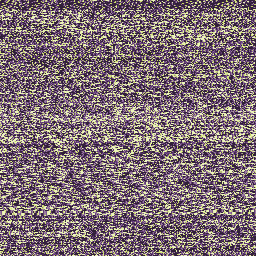
Three views. Different clues about the same file. A digram shows which byte pairs are common, a layered digram shows how that picture changes from the start of a file to its end, and a trigram adds a third byte, so formats that overlap on a flat grid separate in a cube. Read together, they tell code from text, padding and compressed data before you open a disassembler.
Byte pairs
Every pair of neighbouring bytes becomes one point on a 256 x 256 grid. Code, text and padding each light up their own regions.
Explore this view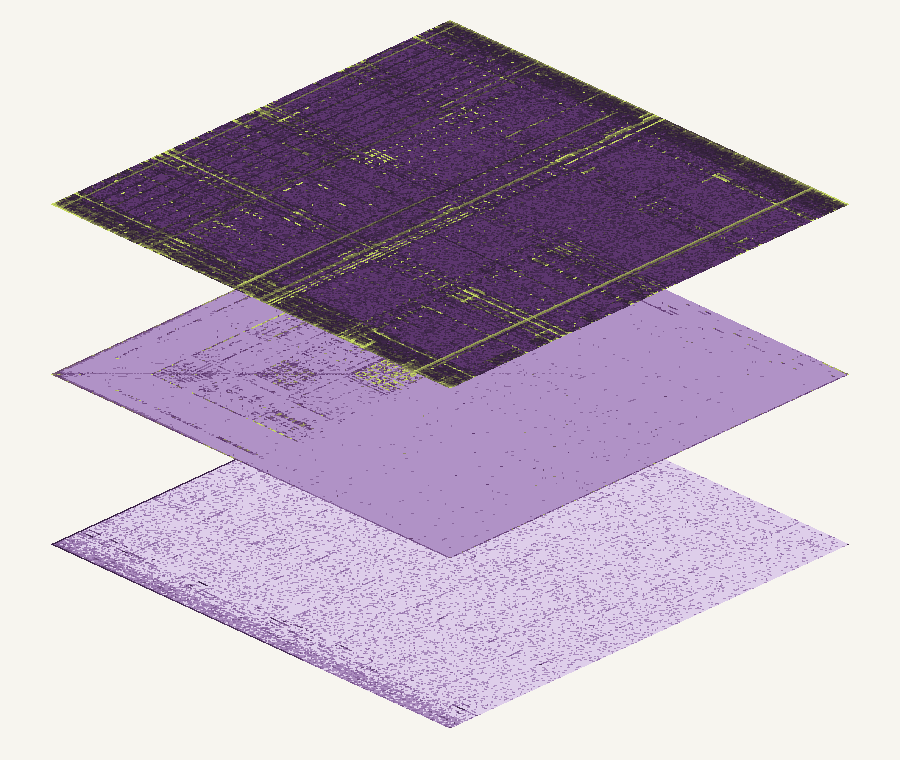
Changes across a file
The same byte-pair map, split into slices from start to end, so you see where one kind of content stops and the next one starts.
Explore this view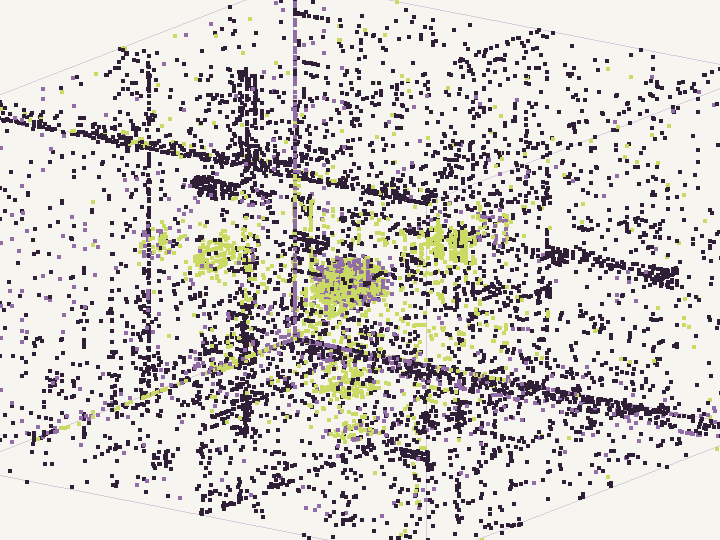
Three-byte relationships
Three consecutive bytes as one point in a cube. The extra dimension separates formats that look alike in two.
Explore this viewBoth can look random. Learn which clues are useful - and which are not. Compressed and encrypted data both push entropy towards 8 bits per byte, so a single number is rarely enough. The panels below run the same machine code through compression and through a cipher: compression leaves peaks in the byte histogram and a faint texture in the digram, while a good cipher leaves neither.
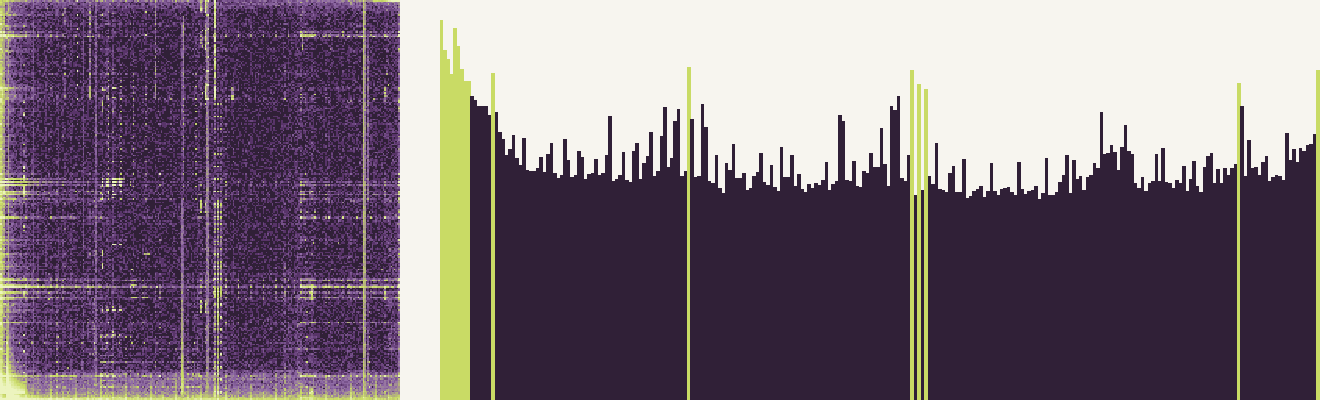
LZ-style compression of the same code: entropy 6.66 bits per byte, and the byte histogram still has peaks.
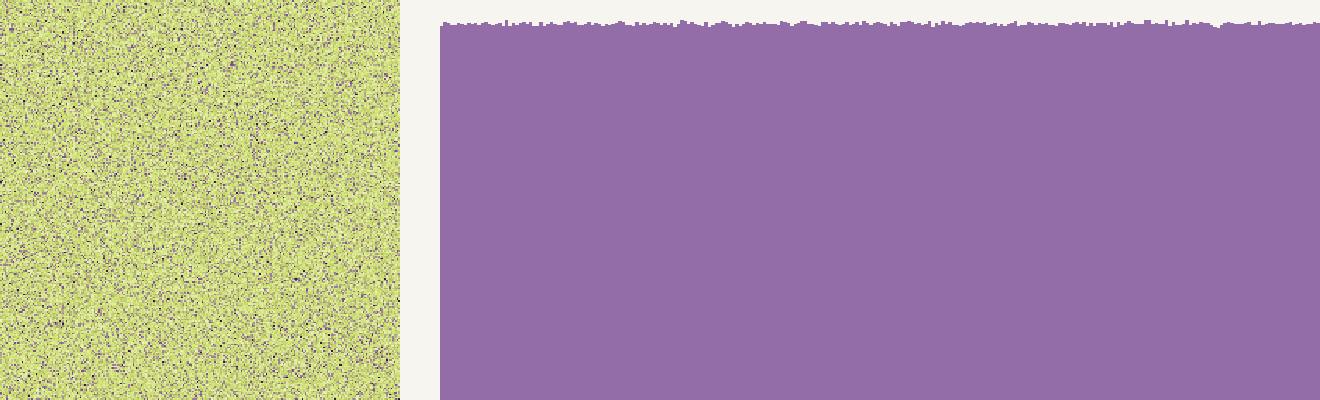
A stream cipher over the same bytes: 8.00 bits per byte, an even digram and a flat histogram.
Entropy of the same 946 KB of machine code, four ways
8.00 bits per byte is the ceiling. Once a compressor adds an entropy stage, as DEFLATE does, the number alone can no longer separate it from ciphertext.
Appearance alone cannot reliably tell DEFLATE or zstd output from ciphertext.
Read the comparisonCTF writeups with the reasoning left in. Each one walks through a real competition task, from the first look at the files to the flag, and explains why every step was taken. Filter by category to find crypto, forensics, reverse engineering, pwn, web and misc challenges from competitions such as TUM CTF, EKOPARTY CTF and ASIS CTF Finals.
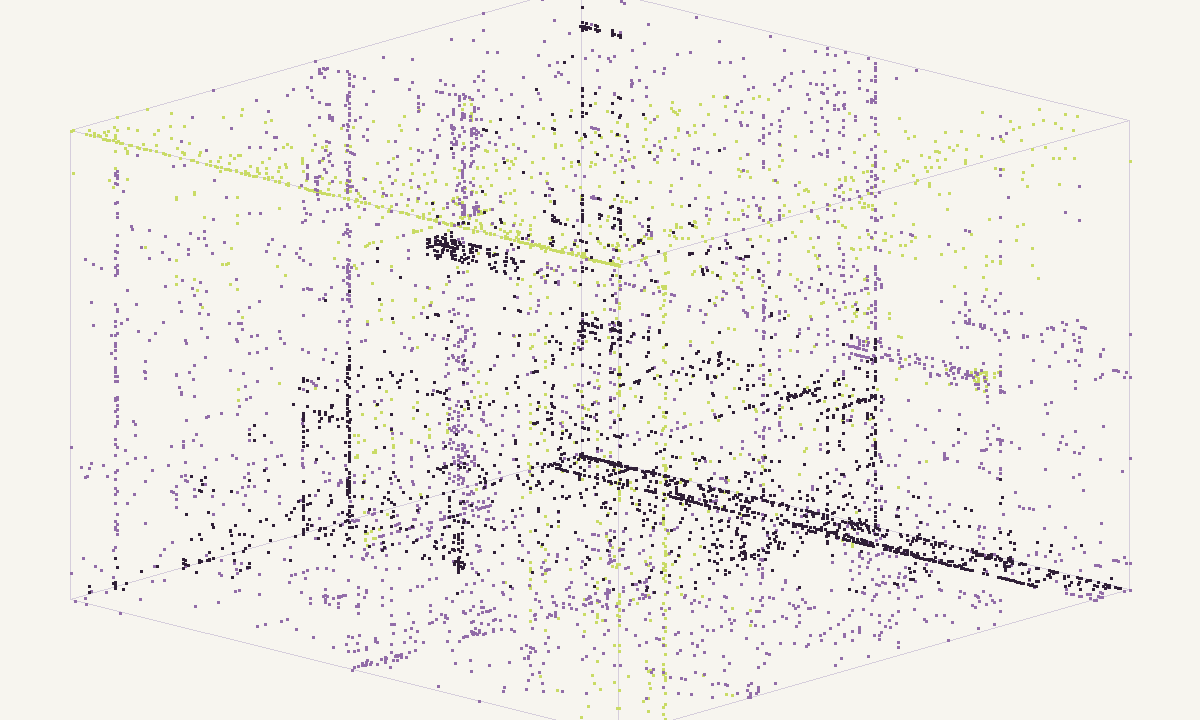
Zozo gives remote shell access to a limited account and one SGID binary.
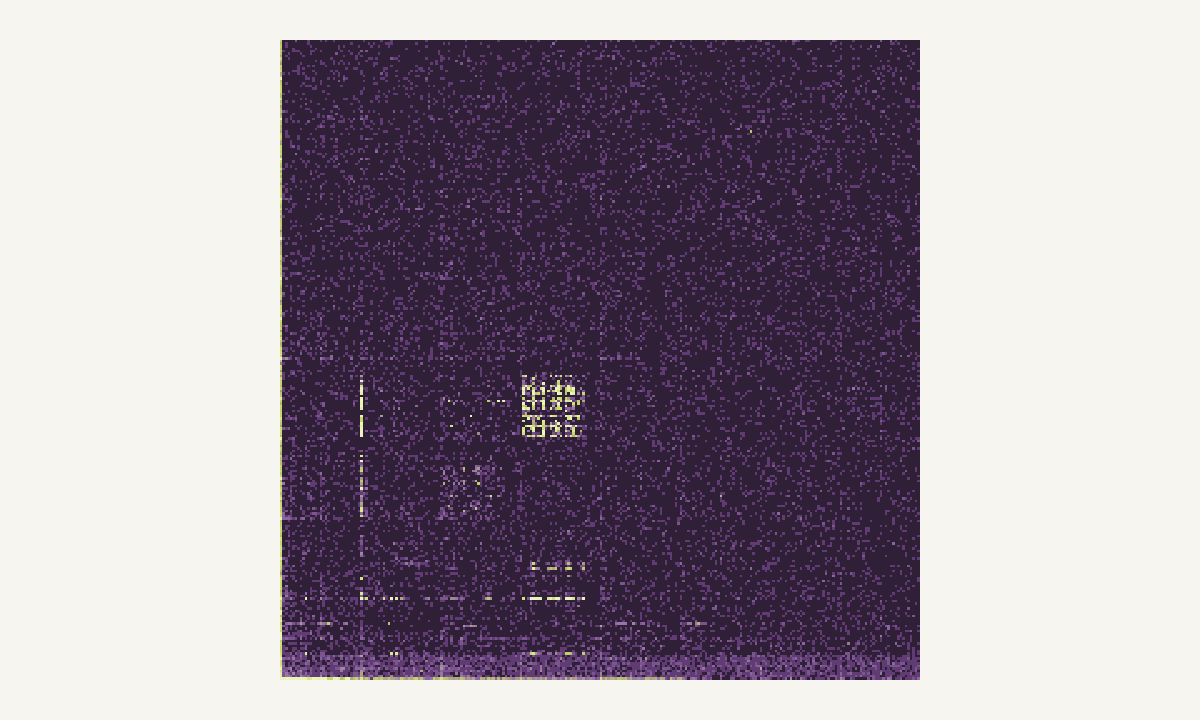
Three disk images, one of them a 12-byte note saying it crashed.
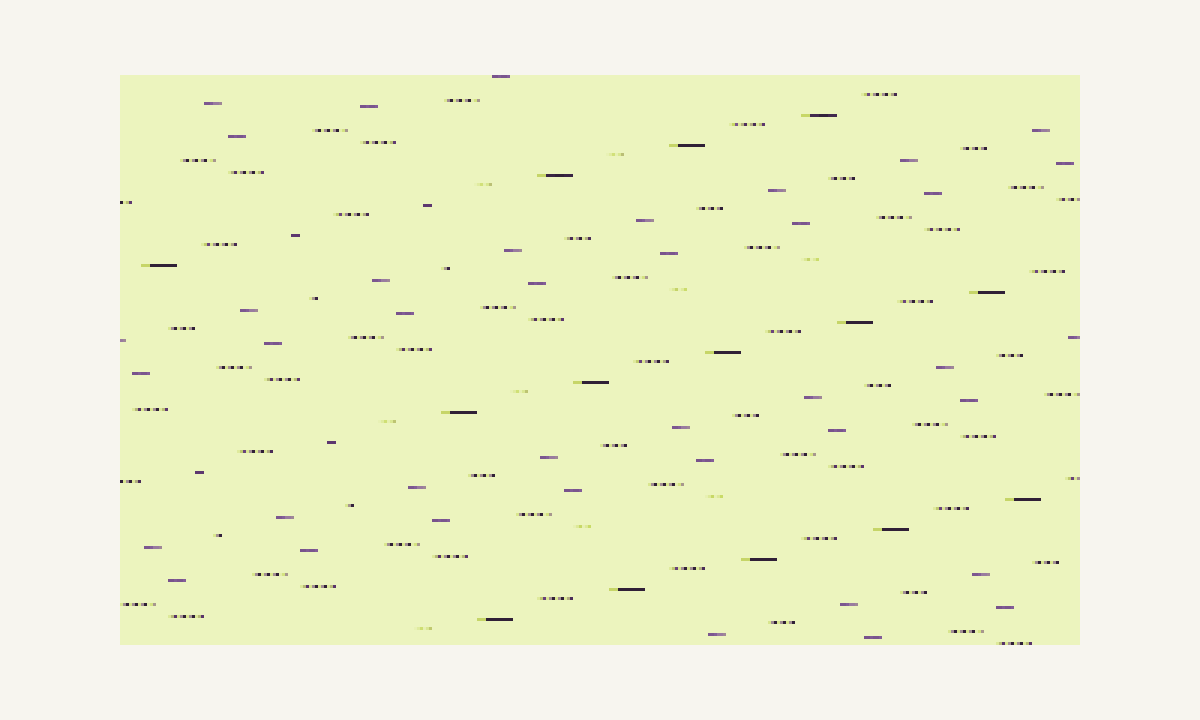
An encrypted bitmap still shows its outline, because the cipher restarts every 128 bytes with a zero IV.
It is the work of finding out what an unknown run of bytes is and how it is organised: a file without an extension, a firmware dump, a memory image, a network capture or a challenge file in a CTF. The usual toolkit combines a hex editor for exact values, statistics such as byte histograms and entropy, visual views like digrams and trigrams, and format parsers that turn known structures into named fields.
Yes. The file is read by JavaScript inside your browser tab and is never uploaded anywhere. Byte Lens computes the statistics and pictures locally, and closing the tab discards everything. Very large files are analysed from their first 16 MB, which is enough to recognise the format and see how the content is laid out.
A screen of hex shows a few hundred bytes at once; a digram or trigram shows the shape of megabytes. Machine code, text, images, compressed data and encrypted data each leave a different statistical fingerprint, and the eye picks those fingerprints out in seconds. The picture tells you where to point the hex editor next. It does not replace it.
The open-source Veles project was archived on GitHub in 2020, so it receives no new releases. Its last builds still run, and the ideas it popularised - linked hex and visual views, digram and layered digram panels, a 3D trigram cloud - live on in other tools. The Veles guide covers what it does, how to install the last release and which tools fill the gap today.
Sometimes. Byte-oriented compressors such as LZ4 or Snappy leave visible structure, because their literal runs and match tokens are not entropy-coded. Formats with an entropy stage, like DEFLATE, xz or zstd, come very close to the flat 8 bits per byte of a good cipher. A picture is a strong first clue, then headers, magic numbers and statistical tests settle it. The comparison guide shows both cases from real files.
Pick a beginner-friendly event from the CTFtime calendar, join or form a small team, and choose one category to focus on first - forensics and reverse engineering reward patient byte reading more than deep exploit knowledge. Then read writeups for challenges you could not solve. The CTF guide explains formats, scoring and a first-month plan.
Understand the format, find a team and learn how to approach a challenge.
Read the CTF guide