Code you can run
Byte Playground: Edit JavaScript and Watch Bytes Animate in a Browser
Change a few numbers, press Run and see what they draw. Five short scripts show how eight bytes become an 8x8 picture, how bit shifts move it, and how pairs of bytes turn into a cloud of points.
Ready
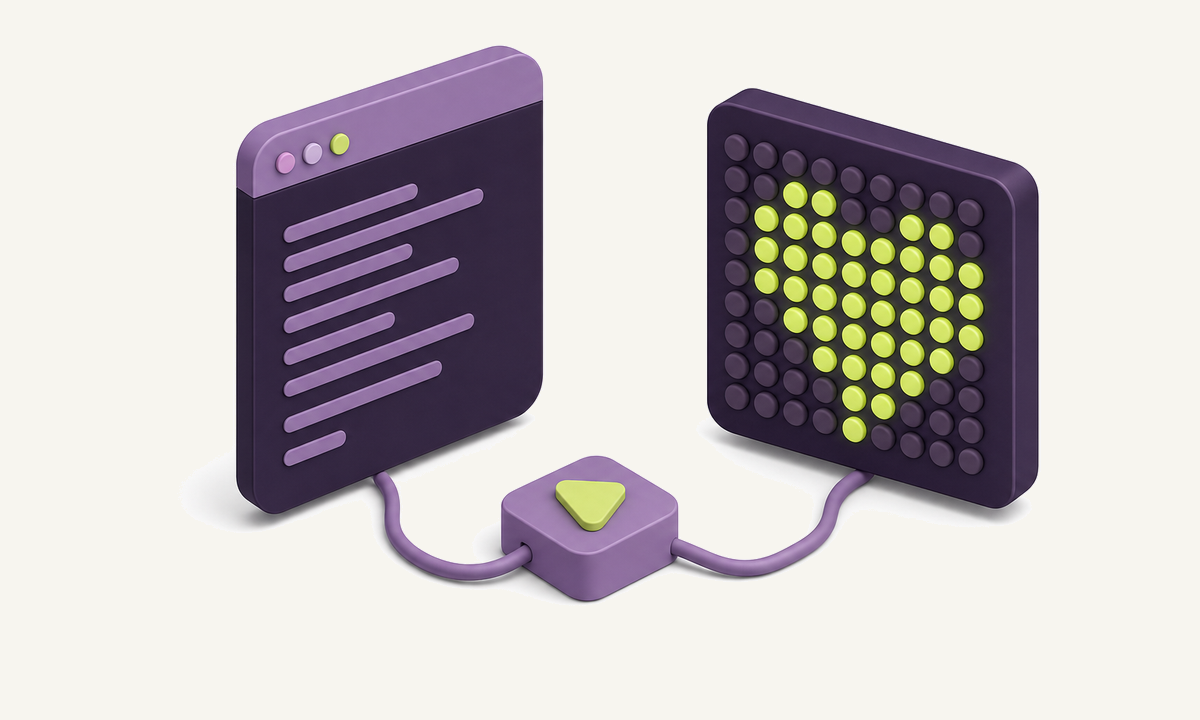
The Byte Playground is a small live coding window for binary data. The left side is an ordinary text editor with a short JavaScript example in it; the right side runs that code and draws the result. Change a number, press Run or Ctrl + Enter, and the picture updates. If something breaks, the status line tells you the error and the line it happened on, and Reset example brings the original back.
How an 8x8 bitmap is stored in bytes
The first three examples use one helper, matrix(), which takes a list of frames. A frame is eight bytes, one for each row, and each bit of a byte switches one dot on or off. The highest bit, worth 128, is on the left and the lowest, worth 1, is on the right. Next to the grid the preview prints every row as hex and as binary, so you can read 0x66 as 01100110 and see the two pairs of dots it draws.
This is the oldest picture format there is. Character ROMs in 1980s home computers stored each letter as eight bytes in exactly this layout, and the LED matrix boards sold for microcontrollers still take their frames as arrays of bytes. Editing one is a fast way to make binary stick: change 0xFF to 0xF0 and half a row disappears, because the low four bits are now zero.
Binary counting and bit shifts, animated
The Binary counter example fills each row with a number one higher than the row above and counts up from 0 to 255. The rightmost column flips on every frame, the next one every second frame, the next every fourth. That doubling rhythm is binary place value, and the carries rippling to the left are what an adder circuit does in hardware.
The Bit shift example takes an arrow and rotates every row one bit to the right per frame. Shifting by one is the same as dividing by two and dropping the remainder, which is why compilers turn divisions by powers of two into shifts. A rotate keeps the bit that falls off and puts it back on the left, so the arrow wraps around instead of vanishing. Rotations appear in nearly every hash function and in ciphers such as ChaCha20 and RC5, where they mix bits cheaply.
| Operator | What it does | 0b10110010 becomes |
|---|---|---|
x << 1 |
shift left, fill with 0 | 0b01100100 (in 8 bits) |
x >> 1 |
shift right, keep the sign | 0b01011001 |
x >>> 1 |
shift right, fill with 0 | 0b01011001 |
| rotate right 1 | shift and wrap the lost bit | 0b01011001 |
x & 0x0F |
keep the low four bits | 0b00000010 |
Hex rain and byte particles
Hex rain is a free drawing example. It uses loop(), which calls your function on every animation frame with the time in seconds, and draws falling hex digits on a canvas. Each digit stands for four bits, which is why two digits always make exactly one byte.
Byte particles builds a small digram. It turns a line of text into bytes and treats every neighbouring pair as a point: the first byte is the x coordinate, the second is y. Lower-case letters sit between 0x61 and 0x7A, so most points gather in one square near the bottom right, while digits and brackets land in their own corners. The binary visualization guide builds the same picture from a whole executable, where millions of pairs reveal machine code, tables and padding.
The helpers you can use
Every script has these names ready, without imports:
| Name | Purpose |
|---|---|
matrix(frames, { fps, on, off }) |
animate 8-byte frames on an 8x8 grid |
loop(fn) |
call fn(t) on every frame, t in seconds |
ctx, W, H |
the canvas 2D context and its size in pixels |
clear(colour), dot(x, y, r, colour), grid(n) |
quick drawing helpers |
bytes(text) |
UTF-8 bytes of a string as numbers |
hex(n) |
a number as two hex digits |
C |
the palette: C.lime, C.orchid, C.lilac, C.white |
If you are new to bits, the Byte Stepper shows the conversions behind these examples one step at a time. When you want to look at real files rather than a few bytes, Byte Lens on the home page and Veles draw the same kinds of views from data of any size.
Questions readers ask
Is it safe to run code in the Byte Playground?
The code runs inside a sandboxed frame that may execute scripts but has no access to this page, its storage or your cookies, and it cannot open pop-ups or submit forms. Nothing is uploaded: the frame is rebuilt from your text each time you press Run. Closing or reloading the page discards everything.
How do eight bytes make an 8x8 picture?
Each byte is one row and each of its eight bits is one dot, with the highest bit on the left. 0x3C is 00111100 in binary, so it lights the four middle dots of its row. Stack eight such bytes and you have a 64-dot bitmap, which is exactly how early computer fonts and LED matrix displays store their characters.
What is the difference between a shift and a rotate?
A shift moves every bit one place and drops the bit that falls off the end, filling the gap with 0. A rotate moves the bits the same way but puts the dropped bit back in at the other end, so no information is lost. JavaScript has shift operators (<<, >>, >>>) but no rotate, so the Bit shift example builds one from two shifts and an OR.
Can I use the playground with my own file?
The playground works on bytes you type or generate in code. For a real file, use Byte Lens on the home page or a desktop tool such as Veles, which read files locally and show the same kinds of views at full size.
New to capture the flag? Formats, teams and a first-month plan in one place.
Read the CTF guide